













 Defense
 Vigilance
 Seer
Seer





 How to Craft
 Choose a Crew Skill
 Armormech
 Armstech
 Artifice
 Biochem
 Cybertech
 Synthweaving
 How to Craft Fast
 Gathering Guide
 Rare Materials Guide
 White Materials Guide
 Jawa Junk
 Augments
 Medpacs, Stims and Adrenals
 Synthweaving Crafting Tree



 Crafted Decorations
 Crafted Mounts
 Crafted Dyes
 Crafted Crystals
 Events Calendar
 Galactic Seasons
 PvP Seasons
 Bounty Event
 Double XP Event
 Feast of Prosperity
 Gree Event
 Life Day
 Nightlife Event
 Pirate Incursion Event
 Rakghoul Event
 Spring Abundance Festival
 Swoop Event
 Accessibility HubAll Accessibility guides and info
 DeafPlaying while deaf or hearing-impaired
 BlindPlaying while visually impaired or with low vision
 ColorblindPlaying with colorblindness and settings options
 AnxietyPlaying with general anxiety or social anxiety


 Jedi Knight
 Jedi Consular
 Trooper
 Smuggler
 Sith Warrior
 Sith Inquisitor
 Bounty Hunter
 Imperial Agent
 Bounty Hunter
 Imperial Agent
 Jedi
Jedi Jedi Consular
 Jedi Knight
 Sith
Sith Sith Inquisitor
 Sith Warrior
 Smuggler
 Trooper
 Legacy Gear
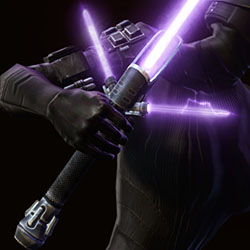 Lightsabers
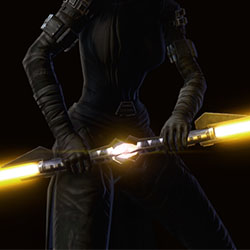 Double-Bladed Lightsabers
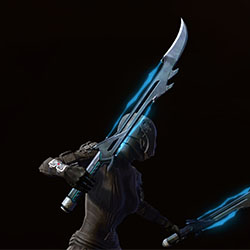 Vibroswords
 Double-Bladed Vibroswords
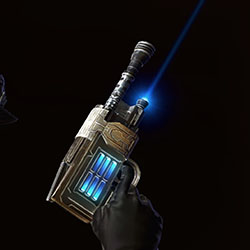 Blaster Pistols
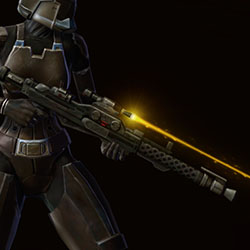 Blaster Rifles
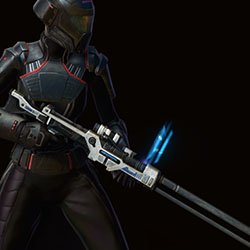 Sniper Rifles
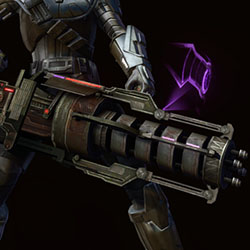 Blaster Cannons
 Thank you so much for supporting the Swtorista project this month!
You're helping keep this amazing project alive and ensuring the future of these guides and resources. ~ Swtorista
Meditate Emote
The Meditate emote in Star Wars: The Old Republic is a Free emote you can use on your character.
You can find the Meditate emote in the Action section of the emotes panel, or type /meditate in the chat panel and press enter.

Emote Chat
When you use an emote, text will be displayed in orange to both you and others in the chatbox to anyone who is nearby. You can also select another player, character, or NPC before you use the emote to change what shows up in the chat. This is the text shown by the Meditate emote in chat.
What you see, with no other character or NPC selected: You meditate.
What you see, when you have another character or NPC selected: You meditate along with _.
What other players see, with no other character or NPC selected: _ meditates.
What other players see, with another character or NPC selected that isn't them: _ meditates along with _.
What another player sees, when you have them selected: _ meditates along with you.
More Details:
- Name: Meditate
- Command: /meditate
- Free?: Free
- Source: Free
- Movement: Yes
- Sustained: Yes
- Sounds: None
- Section: Action
- Type: emote
 Discord
  Email swtorista@gmail.com
 Bluesky @swtorista.com
 Reddit /u/swtorista
 Twitch Swtorista
 Youtube
 Patreon
 Twitter @swtorista