




















 Defense
 Vigilance
 Seer
Seer


 How to Craft
 Choose a Crew Skill
 Armormech
 Armstech
 Artifice
 Biochem
 Cybertech
 Synthweaving
 How to Craft Fast
 Gathering Guide
 Rare Materials Guide
 White Materials Guide
 Jawa Junk
 Augments
 Medpacs, Stims and Adrenals
 Synthweaving Crafting Tree




 Crafted Decorations
 Crafted Mounts
 Crafted Dyes
 Crafted Crystals
 Events Calendar
 Galactic Seasons
 PvP Seasons
 Bounty Event
 Double XP Event
 Feast of Prosperity
 Gree Event
 Life Day
 Nightlife Event
 Pirate Incursion Event
 Rakghoul Event
 Spring Abundance Festival
 Swoop Event
 Accessibility HubAll Accessibility guides and info
 DeafPlaying while deaf or hearing-impaired
 BlindPlaying while visually impaired or with low vision
 ColorblindPlaying with colorblindness and settings options
 AnxietyPlaying with general anxiety or social anxiety


 Jedi Knight
 Jedi Consular
 Trooper
 Smuggler
 Sith Warrior
 Sith Inquisitor
 Bounty Hunter
 Imperial Agent
 Bounty Hunter
 Imperial Agent
 Jedi
Jedi Jedi Consular
 Jedi Knight
 Sith
Sith Sith Inquisitor
 Sith Warrior
 Smuggler
 Trooper
 Legacy Gear
 Lightsabers
 Double-Bladed Lightsabers
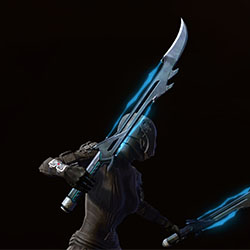 Vibroswords
 Double-Bladed Vibroswords
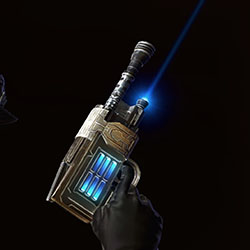 Blaster Pistols
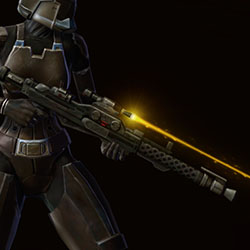 Blaster Rifles
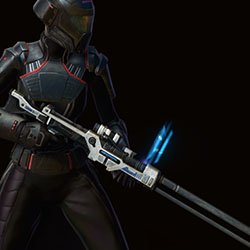 Sniper Rifles
 Blaster Cannons
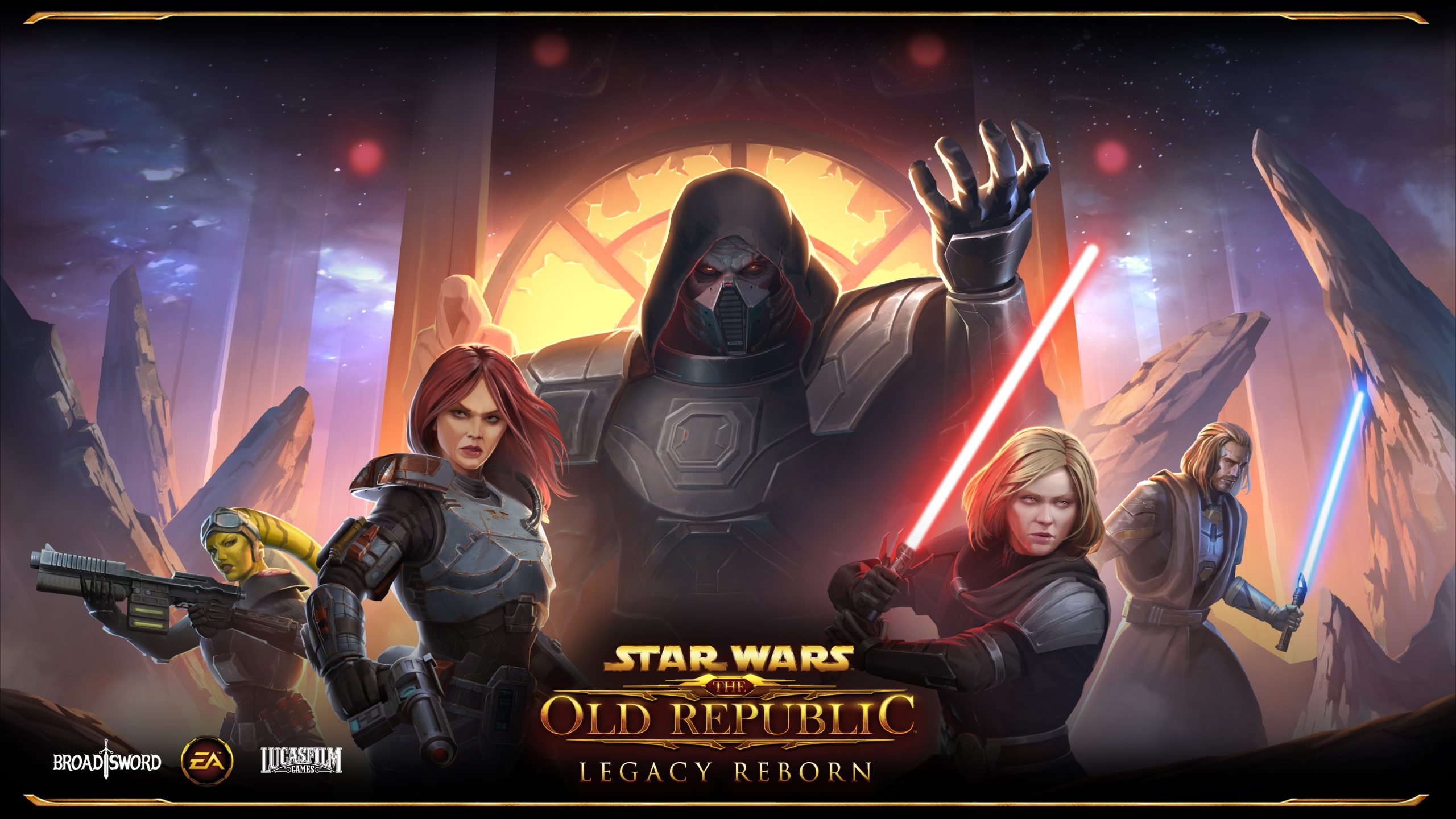
The final story update for SWTOR’s Legacy of the Sith expansion has finally arrived! If you’re not seeing the start immedately and need some help to finish off the last chapter before the upcoming expansion, read on to figure out how advance.
Contents
Step #1 – Check Your Mission Log!
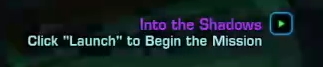
If you’re eligible for Legacy Reborn, you’ll have it immediately. Characters that have completed up to current content should get the Legacy Reborn Mission breadcrumb in your mission log, plain as day. Maybe you checked out this guide looking for where to go without realizing you already have it! Click it and you should start some cutscenes and get teleported right to the story. If that’s NOT the case and you definitely don’t have this lingering in your log, you can try re-logging. But if that doesn’t work…
Step #2 – Catch Up on the Story!
If it’s not being awarded to you, the chances are you aren’t far enough in the current story to get started on Legacy Reborn. But where are you so far? That can be easily answered by checking the “Eras” page quite recently added to the in-game UI:

There’s a few ways to open it. The first is above: hit the mission button on your menu tray, and find Eras up the list. In addition, if you just hit your mission log hotkey, Eras is a new Tab inside of there, between Guild Invasions and Codices.

The Eras menu is kind of purpose built to find out exactly where each of your characters are at in the story, with a button to pick up your most recent Story Mission and get started. You should see a checkmark over and expansion or update that you’ve completed, and only a “Missions” button over ones you can still go and do. Legacy Reborn is a part of Legacy of the Sith, so check for a button over Legacy of the Sith to get started!
Step #3 – Checking More In-depth

If you know you’re SOMEWHERE in Legacy of the Sith and aren’t seeing a way to start from Eras, we should still have you covered! Here’s a list of locations and questlines from each recent planet and story in order, so you can click through and see what seems familiar:
- Ossus
- Dantooine
- EXPANSION: Onslaught (Onderon & Mek-Sha)
- FLASHPOINT: Objective Meridian
- Echoes of Oblivion
- Spirit of Vengeance
- FLASHPOINT: Secrets of the Enclave (Dantooine Flashpoint)
- EXPANSION: Legacy of the Sith (Manaan)
- FLASHPOINT: Ruins of Nul
- Digging Deeper
- Manaan
- Ruhnuk
- Interpreter’s Retreat on Voss
- FLASHPOINT: Shrine of Silence (Optional)
- Kessan’s Landing on Ord Mantell
- Minboosa District on Hutta
- Galactic Threads
- Dantooine Biomes (Optional)
- Master’s Enigma
- Legacy Reborn!
Good luck getting caught up! If nothing here gets you started on a purple mission, chances are something is seriously bugged!
If you aren’t sure where you’re at in the story, or want to see how much there is coming up, visit swtorista.com/story to see the solo story main path.
BUGS/ISSUES
General
- [Destroy Air Defense Cannons] Players’ weapons can be seen levitating at the mission spawn location.
- [Destroy Hovertanks] If a player logs out after destroying the first Hovertank, it will be revived and can be attacked when the player logs back in.
- Rass Ordo is displayed twice in the companion window after the temple sequence.
Missions
- [Into the Shadows] When the shield opens for the incoming ship, the shield effect remains visible in the opened area instead of disappearing completely.
- [First Hurdle] The Bail Out ability will only work if a target is deselected or line of sight of the target is re-established.
- [Deactivate the Shield Around the Fortress] Sa’har respawns as a follower if the player leaves and re-enters the phase.
- [The Hidden Fortress] Bombardment sound effects are missing when the Air Defense Cannons are destroyed.
- [Get to the Ancient Weapon Control] Players can summon both T7-01 Theron Shan if Theron is alive in the player’s story.
- [Get to the Orbital Defense Controls] Theron Shan does not stay near the player during this mission step.
- [Disconnect the Power Droid] The mapnote will appear in the incorrect location if the cinematic is canceled.
- [Exit the Service Tunnels] Mapnote is missing for this step.
- [Defeat Darth Jadus] If a player logs out during this mission, Darth Jadus will appear inside of Darth Nul’s machine upon login.
Cinematics
- [Contact the Rest of Your Forces] The camera goes in and out of focus during the cinematic with Lana Beniko.
- [Contact the Rest of Your Forces] Rass Ordo can be seen abruptly disappearing from the scene while moving out during a transition shot.
- [Defeat Field Marshal Heta Kol] Heta appears to be floating slightly above the ground.
UI
- [Destroy the Hovertanks] The tooltip is not displayed for the Hovertank map icon when a player hovers over it with the mouse cursor.
- [Destroy the Hovertanks] The tooltip for the ability debuff “Tactical Missile”and “Suppressing Fire” appears blank.
- The “Open/Close Welcome window” button remains highlighted after the Welcome window is closed by clicking on the ‘Close’ button.
 Questions or comments? Feel free to send me a message on Twitter







 Discord
  Email swtorista@gmail.com
 Bluesky @swtorista.com
 Reddit /u/swtorista
 Twitch Swtorista
 Youtube
 Patreon
 Twitter @swtorista