




















 Defense
 Vigilance
 Seer
Seer





 How to Craft
 Choose a Crew Skill
 Armormech
 Armstech
 Artifice
 Biochem
 Cybertech
 Synthweaving
 How to Craft Fast
 Gathering Guide
 Rare Materials Guide
 White Materials Guide
 Jawa Junk
 Augments
 Medpacs, Stims and Adrenals
 Synthweaving Crafting Tree




 Crafted Decorations
 Crafted Mounts
 Crafted Dyes
 Crafted Crystals
 Events Calendar
 Galactic Seasons
 PvP Seasons
 Bounty Event
 Double XP Event
 Feast of Prosperity
 Gree Event
 Life Day
 Nightlife Event
 Pirate Incursion Event
 Rakghoul Event
 Spring Abundance Festival
 Swoop Event
 Accessibility HubAll Accessibility guides and info
 DeafPlaying while deaf or hearing-impaired
 BlindPlaying while visually impaired or with low vision
 ColorblindPlaying with colorblindness and settings options
 AnxietyPlaying with general anxiety or social anxiety


 Jedi Knight
 Jedi Consular
 Trooper
 Smuggler
 Sith Warrior
 Sith Inquisitor
 Bounty Hunter
 Imperial Agent
 Bounty Hunter
 Imperial Agent
 Jedi
Jedi Jedi Consular
 Jedi Knight
 Sith
Sith Sith Inquisitor
 Sith Warrior
 Smuggler
 Trooper
 Legacy Gear
 Lightsabers
 Double-Bladed Lightsabers
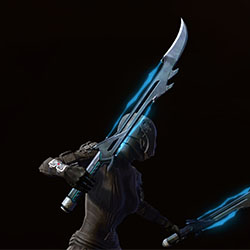 Vibroswords
 Double-Bladed Vibroswords
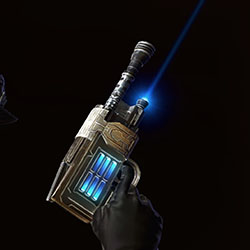 Blaster Pistols
 Blaster Rifles
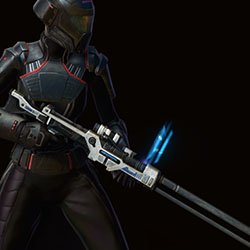 Sniper Rifles
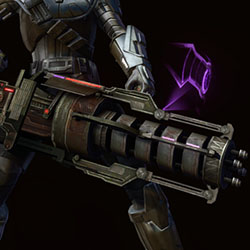 Blaster Cannons
The PTS is currently NOW live with the current features:
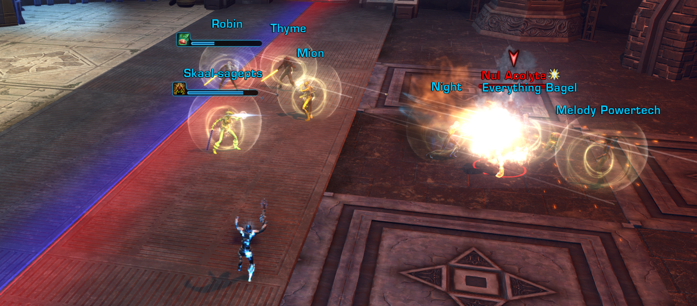
- The First Boss of the Children of Nul Operation (Nul Acolyte) (3rd update)
- Level 85 Characters (with free boosts in the PTS)
- Level 370 Gear (with a free vendor in the PTS)
- Difficulty Toggles
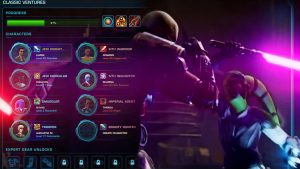
- Clasic Ventures (Jedi Knight and Imperial Agent)
Class Balancing
- Sentinel / Marauder (Round #1)
- Vanguard / Powertech (Round #1)
- Sage / Sorcerer (Round #1)
- Sniper / Gunslinger (Round #1.5)
- Guardian/Juggernaut (Round #2)
- Operative (Round #2) /Scoundrel (Round #3)
- Assassin/Shadow (Round #3)
New phases of the PTS trying out the new bosses or new features coming to 8.0 will roll out in the coming months. Classes not mentioned above do not have their new tuning and balancing for level 85 – yet!
Operation Bosses
The second boss for the new operation Children of Nul is now on the Public Test Server! (PTS) Feedback Thread it is called the Force Beast. This boss is available for testing in Story and Veteran, in 8-man mode.
The first boss is also still available. This boss has many mechanics, and relies on all raids members paying attention and handling their mechanics – it is not an “easy” story mode at the moment on the PTS. Guide / Info
SWTOR Nul Acolyte Boss, Children of Nul Operation Guide (PTS)
Feedback
Want to leave feedback after trying the new boss or class balancing?
- For feedback on QoL features, check the forum thread here.
- For feedback on the Nul Acolyte Boss fight, check the forum thread here.
- For feedback on difficulty modes, forums thread here
- For feedback on class balancing and new abilities, see PTS forum threads
What is the PTS?
The Public Test Server, better known as the PTS, is a way of testing upcoming content for Star Wars: the Old Republic. The Public Test Server is only available during certain times when the developers have something that they want players to test. It’s only available to Subscribers – free-to-play and preferred players can not test on the PTS.
You’ll use your same SWTOR account to log in, with your same username and password. However, when you do install this, it will be a completely separate copy of the game, adding another 40 gigabytes or so of data. So, make sure you have room on your computer and you’re okay with downloading a whole new copy of the game. Don’t download the PTS if you have internet issues or if you’re on limited data or have limited space on your computer.
How to Download the PTS
There are two different ways to access the Public Test Server when it’s available. The first is through Steam, and the second is through the SWTOR.com launcher, and you need to follow the instructions that match how you normally launch the game.
Steam Launcher

- Log into Steam.
- Go to the Star Wars: The Old Republic store page.
- There is a blue box near the top-middle that says “Want to participate in the STAR WARS™: The Old Republic™ – Public Test Server? Click here to install it now.” click the “Click here” link.
- Download the PTS client from the Star Wars: The Old Republic page on the Steam store.
- Follow the instructions onscreen to start the download and installation.
- Once it’s downloaded, sign in as usual to play.
SWTOR.com Launcher
- Log in to the Star Wars: The Old Republic launcher using your username, password and Security Key code (if you have a security key).
- Click the Settings button (gears icon) in the bottom left corner of the launcher.
- Under Enable Public Test Server Access, select Yes.
- Click Save.
- If the PTS is open and your account has access to it, the lower left corner of the launcher will now have two buttons. Click the button next to settings (it has two arrows coming out of a circle on it).
- Under Pick an Environment select Public Test.
- Click Next to begin downloading the Public Test Server client
- When the download has finished, click Play.
Playing on the PTS
Once you have the PTS all downloaded and set up, here’s how to test the new 8.0 stuff!
For this first phase of the 8.0 PTS, there are NO character copies available. You must make a new character and boost/gear if you want a level 85 character.
Step 1 – Create Character
Only these classes are currently balanced with their new abilities at level 85:
- Sentinel / Marauder
- Vanguard / Powertech
- Sage / Sorcerer
- Sniper / Gunslinger
- Guardian/Juggernaut
- Operative/Scoundrel
- Assassin/Shadow
Testing Ventures?
On the character create screen, choose the CLASSIC option (little diamond).
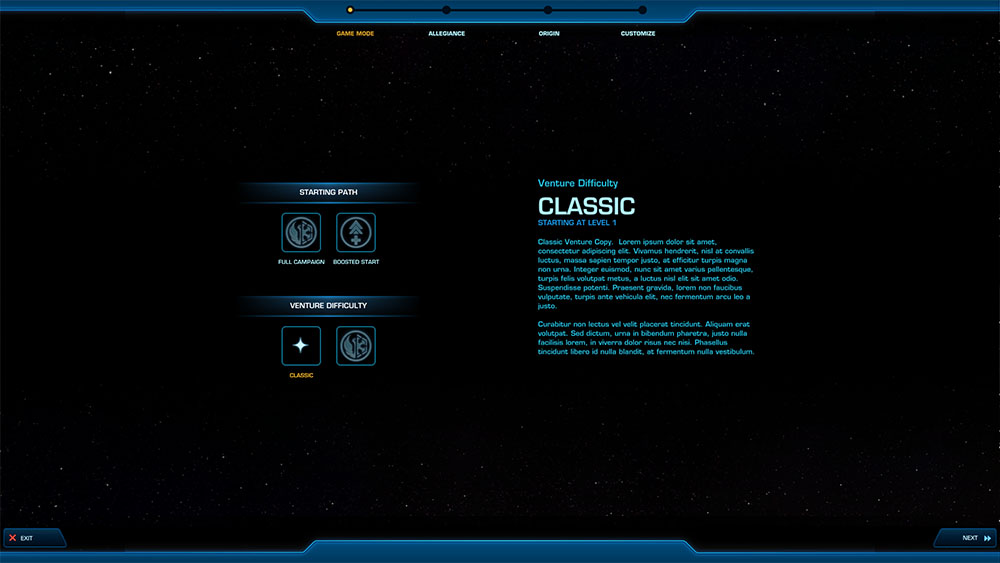
Create a JEDI KNIGHT or IMPERIAL AGENT for testing.

Then you can open your legacy, and select your character you made in Classic Ventures.
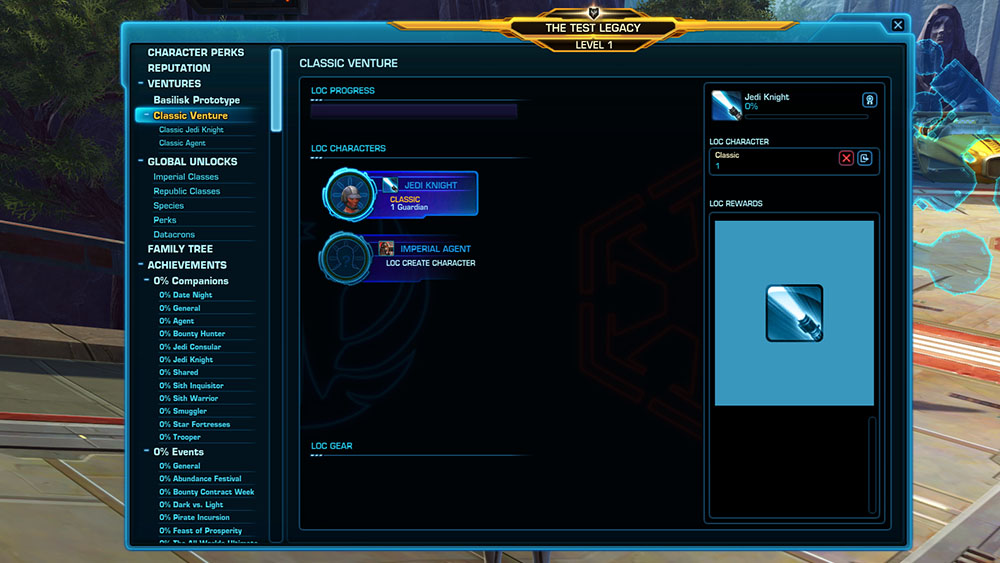
You can then see the objectives to complete!
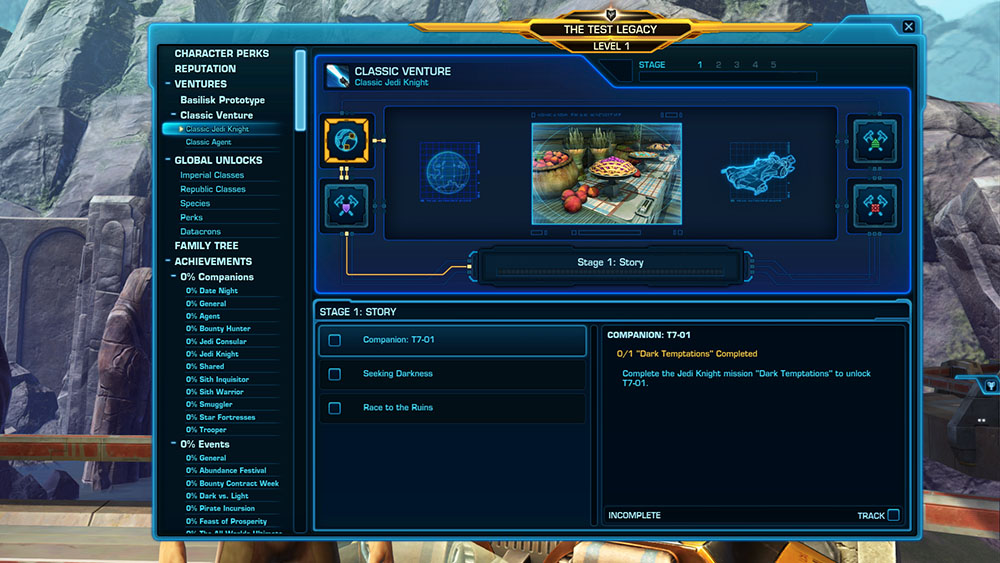
Testing Difficulty Modes, but not Ventures?
If you are looking to test the new difficulty toggle, they are mainly looking for players to test characters a level 1 rather than 85.
Create your character, then right-click your character portrait to set your difficulty to Veteran or Master – ignore the rest of the steps and just start playing your class story! Feedback Thread

Step 2 – Transport to Odessen

Take your new level 1 character and look around your starter area until you find the Odessen Teleport Service floating droid. Talk to it to teleport to Odessen.

Step 3 – Boost character to 85
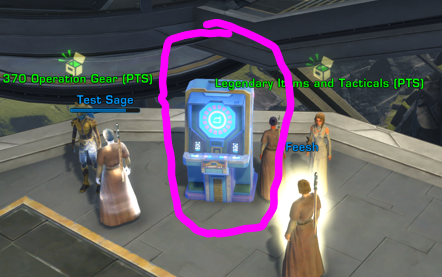
Use the glowing blue Level Booster to be boosted to level 85.
You can then press K on your keyboard to choose your preferred Discipline / role. Make sure to create a loadout first if you plan on swapping around.
Step 4 – Get Free Credits

Go use the other glowing blue terminal in the back of the Odessan landing platform to get free credits so you can buy things. It is also called “Level Booster” (oops).
Step 5 – Pick up Free Level 85, 370 item-rating Gear
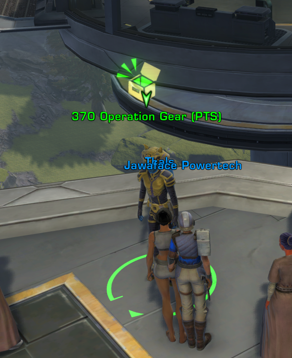
Look for the 370 Operation Gear (PTS) vendor. Buy one of each armor piece, the appropriate relics, and then the correct earpiece for your stats. You can mix and match like on live by using the dropdown to see the ‘missing’ pieces. You can also buy augments and augment kits, there is an augment table behind you. DPS make sure to shoot for 110% accuracy, the actual accuracy numbers may be different than live.

You can then buy your Implants and Tacticals on the Legendary Items and Tacticals (PTS) vendor. IMPORTANT! Your previous ‘best’ tactical may not exist anymore and has been worked into your class passive. You will need to pick a new one if so.

 The Vicious Saber tactical no longer functions [Typo? Maybe Vicious Saber?]
 The Shard of Mortis tactical no longer functions
 The Flame Detonation tactical no longer functions
 The Superheated Fuel tactical no longer functions
 The Thermal Screen tactical no longer functions
 The One for All tactical no longer functions
 The Stormwatch tactical no longer functions
 The Killing Field tactical no longer functions
Step 6 – Setup Character
In addition to that, before trying to the new raid, you will want to….

- Check your keybindings
- Make sure your abilities are all on the right slots
- Read your new abilities (level 83 passive on the top right of your tree, and level 85 replacement ability at the top of the tree)
- Use your augment kits and augments
- Buy stims and adrenals and green medpacs from the vendors
- Make an outfit with what you can scavenge on the PTS
Step 7 – Try the New Raid Boss
Once you have an operations group, you can step into the big purple door right in the middle of the Odessan landing platform. It is yellow-orange by default when you can’t enter. Raid Boss Info
 Questions or comments? Feel free to send me a message on Twitter





 Discord
  Email swtorista@gmail.com
 Bluesky @swtorista.com
 Reddit /u/swtorista
 Twitch Swtorista
 Youtube
 Patreon
 Twitter @swtorista