













 Defense
 Vigilance
 Seer
Seer




 How to Craft
 Choose a Crew Skill
 Armormech
 Armstech
 Artifice
 Biochem
 Cybertech
 Synthweaving
 How to Craft Fast
 Gathering Guide
 Rare Materials Guide
 White Materials Guide
 Jawa Junk
 Augments
 Medpacs, Stims and Adrenals
 Synthweaving Crafting Tree


 Crafted Decorations
 Crafted Mounts
 Crafted Dyes
 Crafted Crystals
 Events Calendar
 Galactic Seasons
 PvP Seasons
 Bounty Event
 Double XP Event
 Feast of Prosperity
 Gree Event
 Life Day
 Nightlife Event
 Pirate Incursion Event
 Rakghoul Event
 Spring Abundance Festival
 Swoop Event
 Accessibility HubAll Accessibility guides and info
 DeafPlaying while deaf or hearing-impaired
 BlindPlaying while visually impaired or with low vision
 ColorblindPlaying with colorblindness and settings options
 AnxietyPlaying with general anxiety or social anxiety


 Jedi Knight
 Jedi Consular
 Trooper
 Smuggler
 Sith Warrior
 Sith Inquisitor
 Bounty Hunter
 Imperial Agent
 Bounty Hunter
 Imperial Agent
 Jedi
Jedi Jedi Consular
 Jedi Knight
 Sith
Sith Sith Inquisitor
 Sith Warrior
 Smuggler
 Trooper
 Legacy Gear
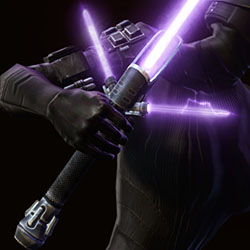 Lightsabers
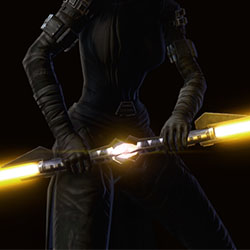 Double-Bladed Lightsabers
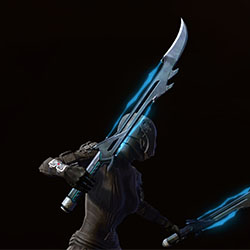 Vibroswords
 Double-Bladed Vibroswords
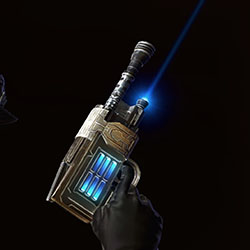 Blaster Pistols
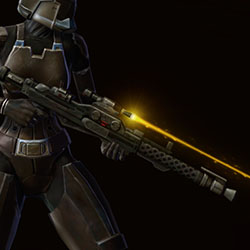 Blaster Rifles
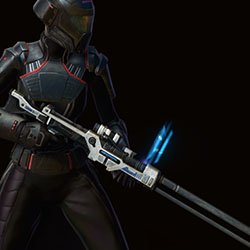 Sniper Rifles
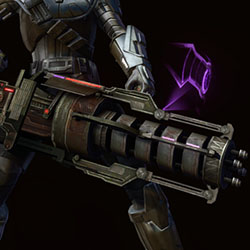 Blaster Cannons
If you play Expert Ventures, you’ll find that each stage requires you to gear yourself up to a certain item-rating for your head, chest, legs and weapon equipment slots.
Contents
Check Your Gear
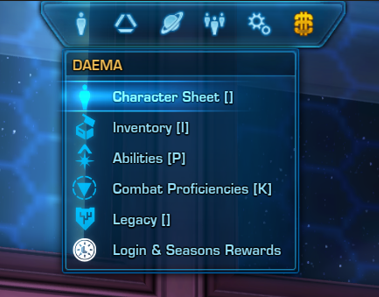
To find out your gear’s item-rating, open your Character Sheet (the C key on your keyboard by default). Click the Gear tab at the top if it’s not already there.
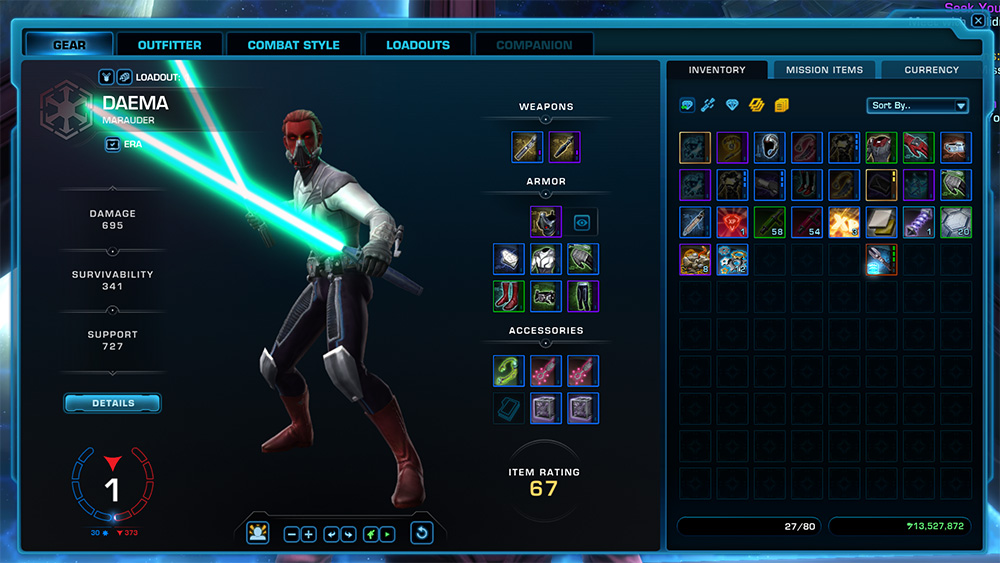
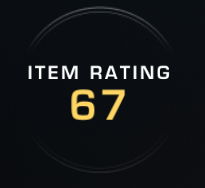
The Item Rating label at the bottom of the sheet is your average, but the objective is specific to your individual head, chest, legs and weapon equipment slots, not your average.
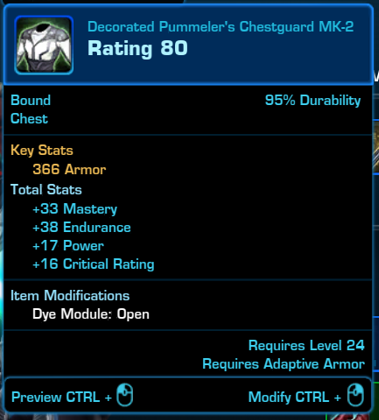
Roll your mouse over the piece of gear you want to check to see the hover tooltip. The item-rating is the big number beside the word Rating at the top of the tooltip.
Upgrade Your Gear
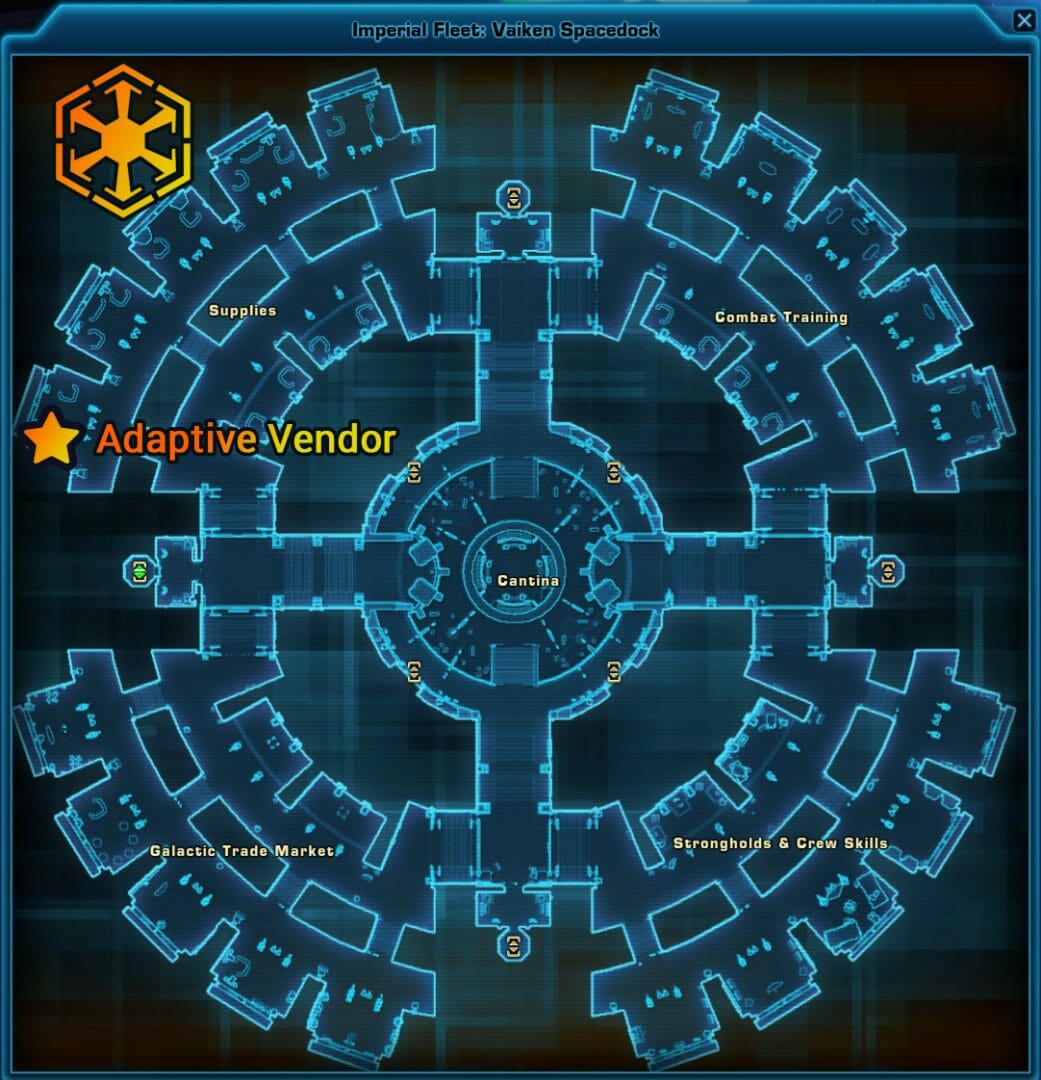
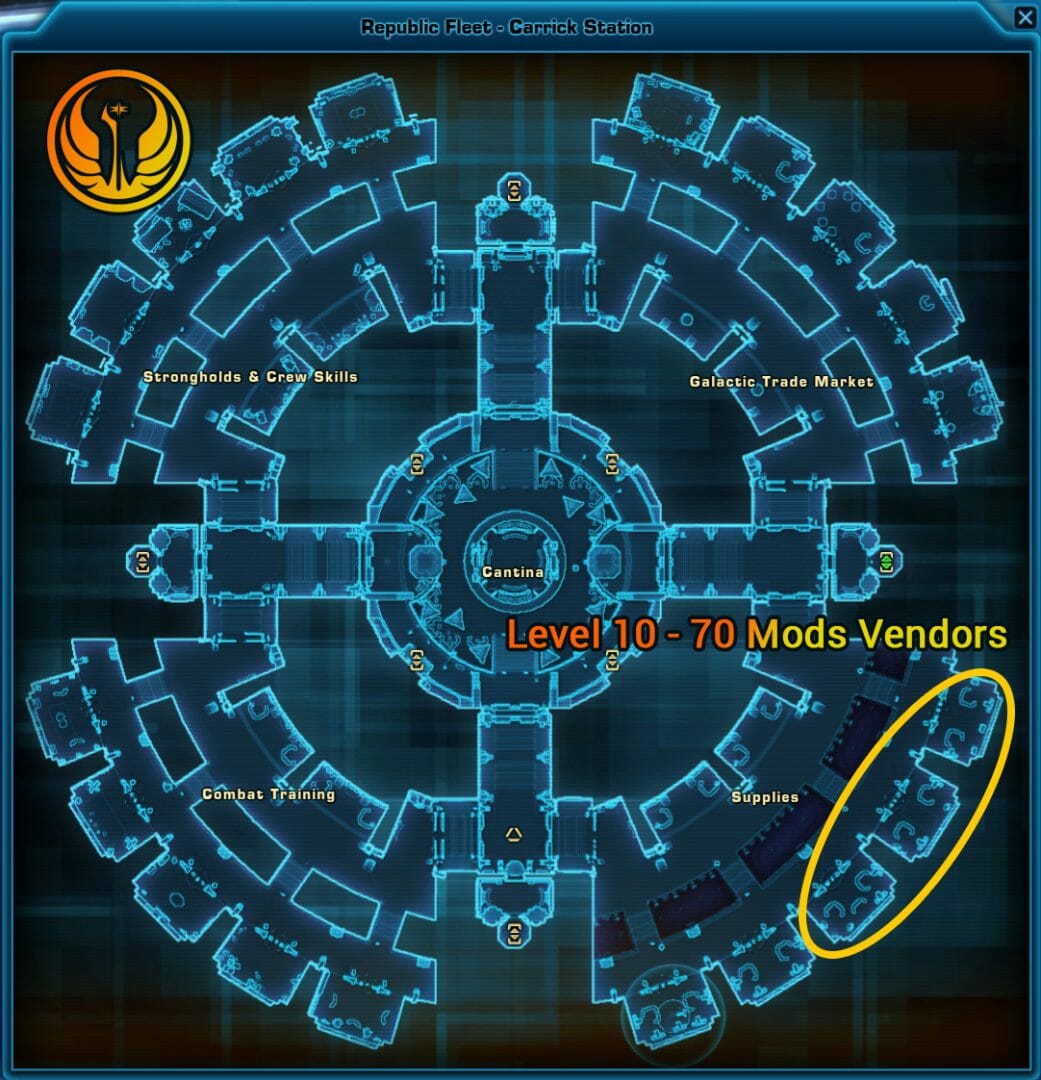
If you didn’t automatically get enough gear from questing to meet your stage requirement, the easiest way to get higher item-rating gear is to go to the Republic or Imperial Fleet.
Step 1 – Empty Shell from the Adaptive Vendor
First you’ll need an empty helmet, chestpiece, pants or weapon from the Adaptive Vendor – whichever pieces you need that are not up to the stage’s requirements.
Step 2 – Modifications Vendors
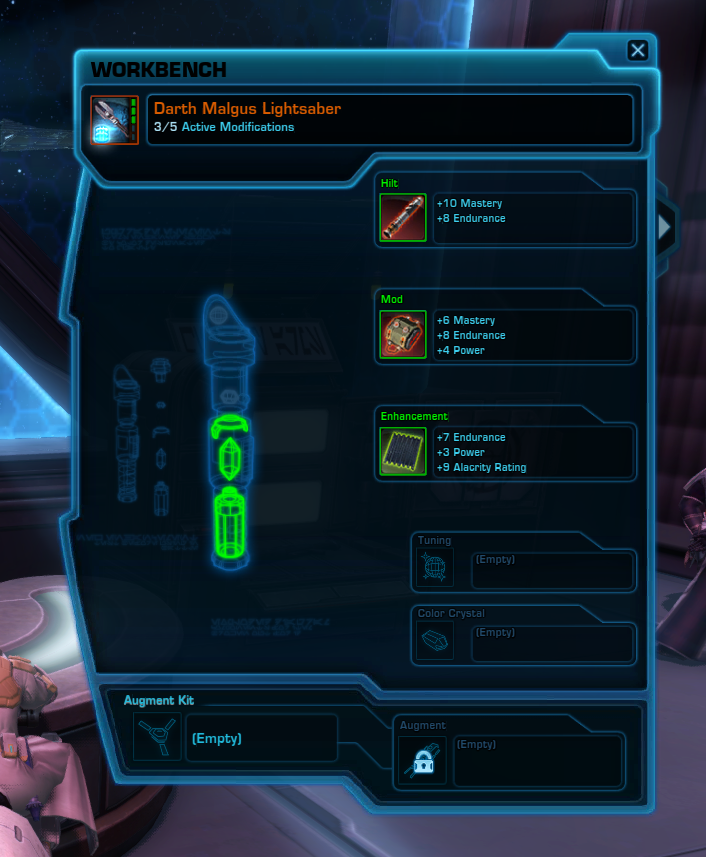
Then you will buy any mod, enhancement, and armoring/hilt/barrel from the Modification vendors that is close to your level. If you are not sure which pieces to buy, get the red-colored ones for easiness sake.
Step 3 – Modify Gear
You can modify moddable gear by CTRL+RIGHT CLICKING theempty gear item then dragging the modifications into it.
Stage 1 – Item Rating 50
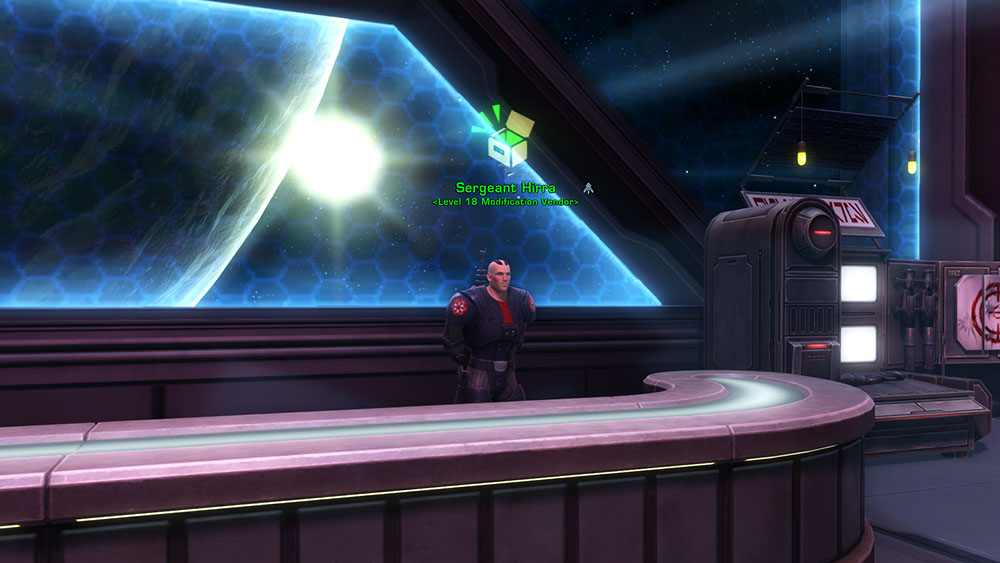
Objective: Equip items of rating 50 or higher in the Head, Chest, Legs, and Weapon slots.
Item-Rating 50 is available at around level 18. If you didn’t automatically get enough gear pieces from your story, heroics, or other quests, you can buy the modifications from the Level 18 vendor.
Stage 2 – Item Rating 85

Objective: Equip items of rating 85 or higher in the Head, Chest, Legs, and Weapon slots.
Item-Rating 85 is available at around level 34. If you didn’t automatically get enough gear pieces from your story, heroics, or other quests, you can buy the modifications from the Level 34 vendor.
Stage 3 – Item Rating 115
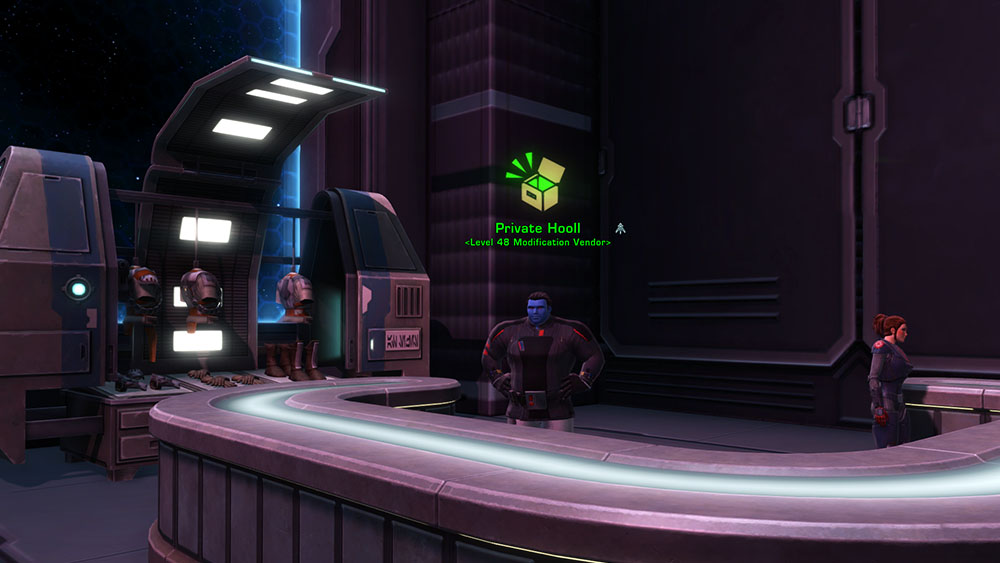
Objective: Equip items of rating 115 or higher in the Head, Chest, Legs, and Weapon slots.
Item-Rating 115 is available at around level 48 or a bit lower. If you didn’t automatically get enough gear pieces from your story, heroics, or other quests, you can buy the modifications from the Level 48 vendor.
Stage 4 – Item Rating 150
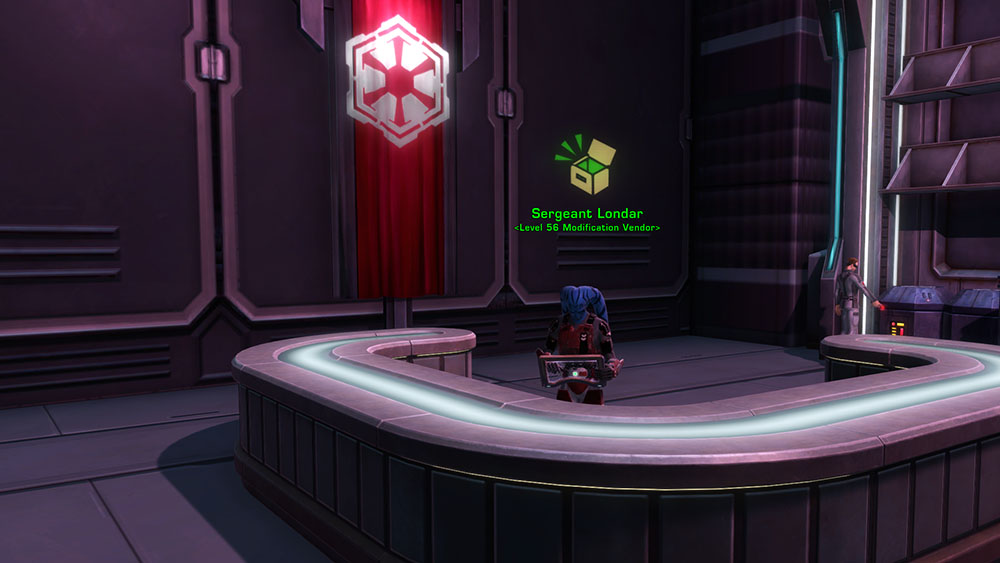
Objective: Equip items of rating 150 or higher in the Head, Chest, Legs, and Weapon slots.
Item-Rating 150 is available at around level 56 or a bit lower. If you didn’t automatically get enough gear pieces from your story, heroics, or other quests, you can buy the modifications from the Level 56 vendor.
Stage 5 – Item Rating 170
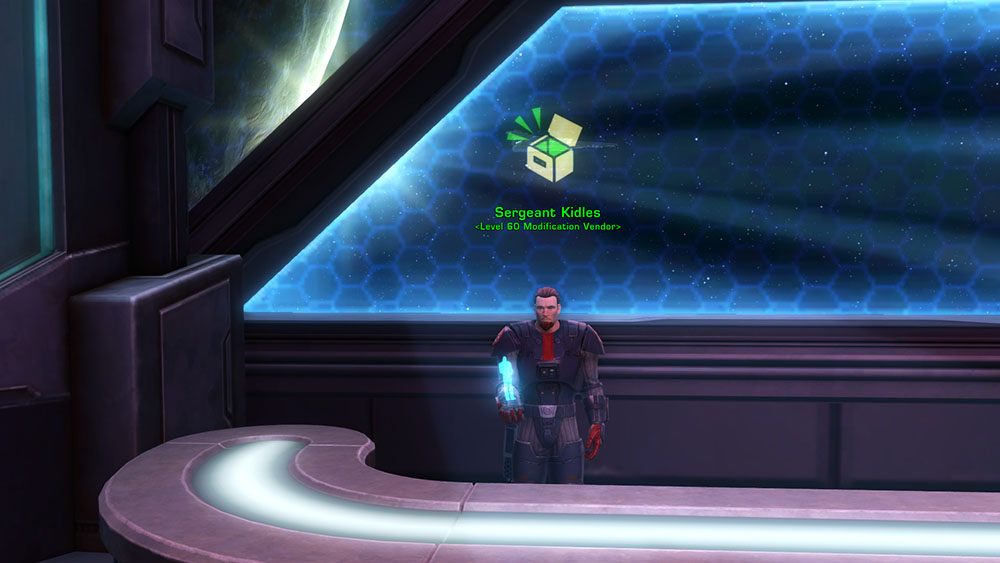
Objective: Equip items of rating 170 or higher in the Head, Chest, Legs, and Weapon slots.
Item-Rating 170 is available at around level 60 or a bit lower. If you didn’t automatically get enough gear pieces from your story, heroics, or other quests, you can buy the modifications from the Level 60 vendor.
 Questions or comments? Feel free to send me a message on Twitter






 Discord
  Email swtorista@gmail.com
 Bluesky @swtorista.com
 Reddit /u/swtorista
 Twitch Swtorista
 Youtube
 Patreon
 Twitter @swtorista